
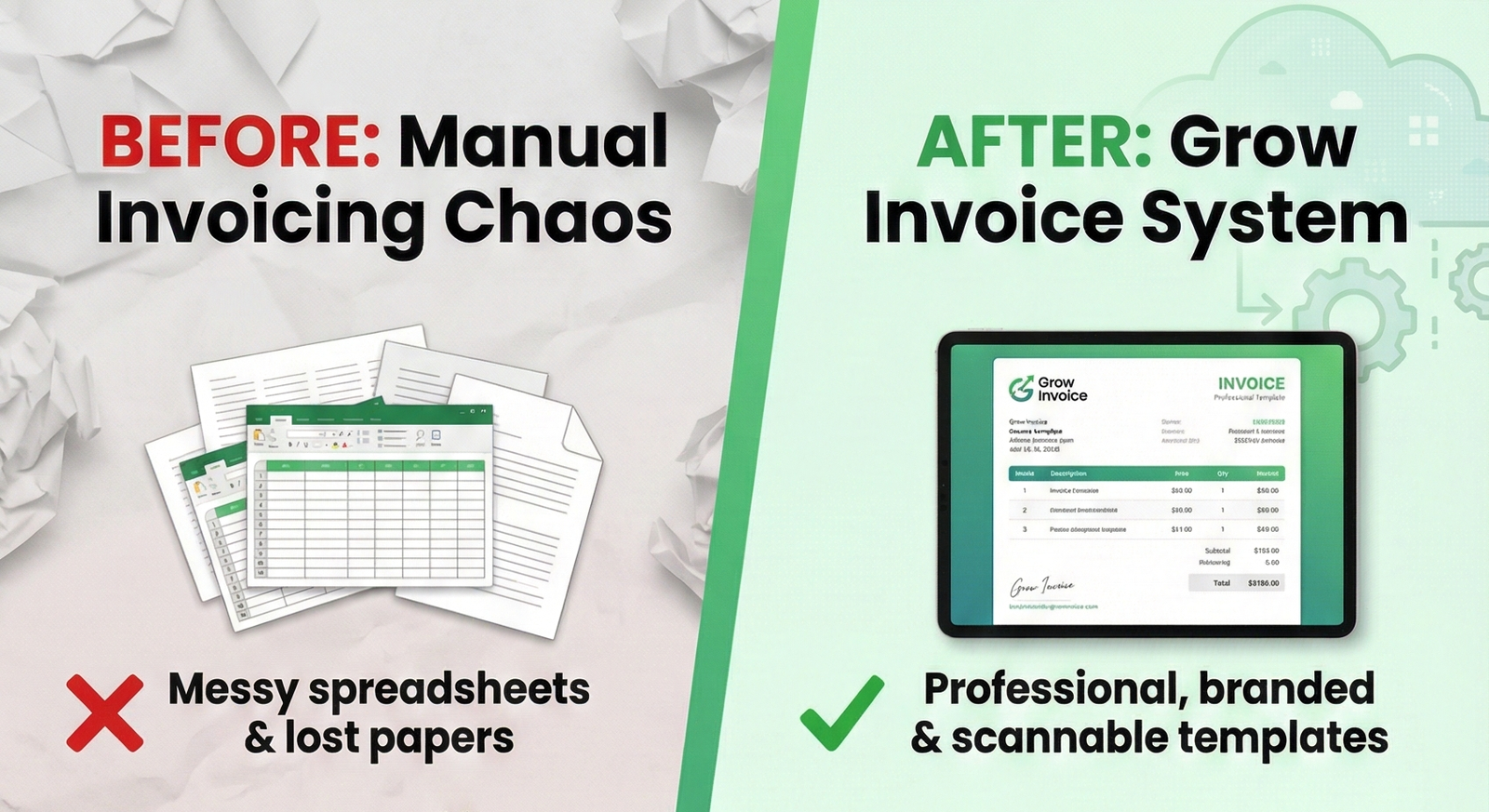
Getting paid on time is crucial for maintaining healthy cash flow in any business. Yet many companies struggle with late payments not because their clients are unwilling to pay but because simple invoice mistakes create unnecessary delays. According to recent studies, the average invoice is paid 23 days late, and invoice errors are among the top reasons for these delays.
The good news? Most of these mistakes are entirely preventable. Whether you’re using a free online invoice generator or comprehensive billing software, understanding common invoicing pitfalls and how to avoid them can dramatically improve your payment timeline.
1. Missing or Incorrect Contact Information
The Mistake: You’d be surprised how often invoices are sent with incomplete contact details—missing phone numbers, outdated email addresses, or vague company names that make it impossible for clients to reach you with questions.
Why It Delays Payment: When accounts payable departments have questions about an invoice, they need to contact you quickly. If your contact information is missing or incorrect, your invoice gets set aside while they track down the right person. This simple oversight can add weeks to your payment timeline.
The Fix: Always include:
- Your complete business name and legal entity
- Physical business address
- Primary phone number
- Email address for billing inquiries
- Website (optional but helpful)
Most modern billing software automatically populates this information from your business profile, eliminating the risk of human error. When using a free online invoice generator, double-check that all contact fields are filled out completely before sending.
2. Unclear or Missing Payment Terms
The Mistake: Invoices that don’t specify when payment is due or what payment methods are accepted leave clients guessing about expectations.
Why It Delays Payment: Without clear payment terms, clients may assume they have 60 or 90 days to pay when you expected payment in 30 days. This miscommunication leads to frustration on both sides and extends your accounts receivable cycle unnecessarily.
The Fix: Clearly state:
- Payment due date (e.g., “Due upon receipt” or “Net 30”)
- Accepted payment methods (bank transfer, credit card, check, PayPal, etc.)
- Late payment penalties or interest charges, if applicable
- Early payment discounts, if offered
Quality billing software lets you set default payment terms for all invoices, and many platforms include automated payment reminders that go out as the due date approaches. This automation ensures consistency and reduces the mental load of following up manually.
3. Vague or Generic Invoice Descriptions
The Mistake: Line items that read “Services rendered” or “Consulting – January” without any additional detail.
Why It Delays Payment: Accounts payable departments often need to match invoices to purchase orders, project codes, or budget line items. Generic descriptions make this matching process difficult or impossible, causing your invoice to be flagged for review or clarification.
The Fix: Provide detailed descriptions that include:
- Specific services or products delivered
- Project names or reference numbers
- Dates when services were performed
- Quantity and unit pricing breakdown
- Any relevant purchase order numbers
For example, instead of “Web design services – $5,000,” write “Website redesign for homepage and 5 landing pages, completed Jan 10-20, 2026, per PO #12345 – 40 hours @ $125/hr.”
A good free online invoice generator provides ample space for detailed descriptions, and professional billing software often includes customizable line item fields that you can tailor to your industry’s needs.
4. Math Errors and Calculation Mistakes
The Mistake: Incorrect subtotals, tax calculations, or final amounts that don’t add up.
Why It Delays Payment: Even small calculation errors trigger red flags in accounting systems. The invoice must be sent back for correction, reprocessed, and often re-approved—adding weeks to the payment cycle.
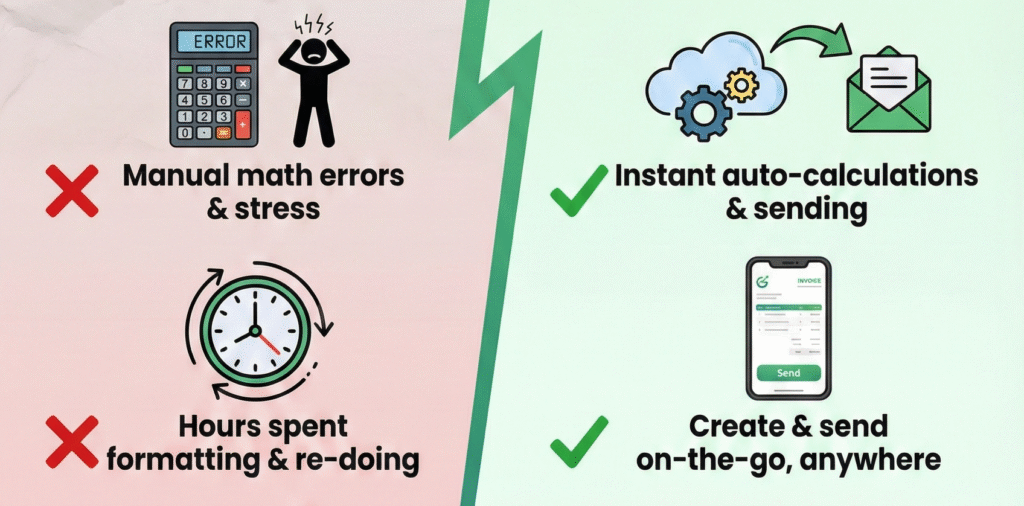
The Fix: Use automated tools rather than manual calculations. This is where a free online invoice generator or billing software becomes invaluable. These tools automatically:
- Calculate line item totals
- Apply the correct tax rates
- Add shipping or additional fees
- Compute discounts accurately
- Generate error-free final amounts
Manual invoice creation using word processors or spreadsheets increases the risk of human error exponentially. Switching to dedicated invoicing tools eliminates this problem entirely.
5. Missing Invoice Numbers
The Mistake: Sending invoices without unique identification numbers or using duplicate numbers across multiple invoices.
Why It Delays Payment: Invoice numbers are critical for accounting systems to track, process and file payments. Without unique identifiers, clients can’t properly reference your invoice in their systems and you can’t efficiently track which invoices have been paid.
The Fix: Implement a consistent numbering system. Most billing software platforms automatically generate sequential invoice numbers, ensuring no duplicates or gaps. If using a free online invoice generator, verify that it offers automatic numbering features.
A good system might look like: INV-2026-001, INV-2026-002, etc., where the year and sequential number make tracking simple and organized.
6. Sending Invoices to the Wrong Person or Department
The Mistake: Emailing invoices to the project manager or salesperson rather than the accounts payable department.
Why It Delays Payment: Even if your primary contact receives the invoice, they must forward it to accounting, where it may get lost or deprioritized. This adds unnecessary steps and delays to the payment process.
The Fix: During the onboarding process with new clients, ask specifically:
- Who should receive invoices?
- What email address should invoices go to?
- Are there specific formats required (PDF, XML, etc.)?
- Do they have a supplier portal for invoice submission?
Store this information in your billing software so invoices are automatically sent to the correct recipient every time. Many modern platforms also allow you to CC multiple recipients, ensuring both your project contact and the accounting department receive the invoice simultaneously.
7. Forgetting to Attach Supporting Documentation
The Mistake: Not including timesheets, delivery receipts, purchase orders, or other supporting documents that validate your invoice.
Why It Delays Payment: Many companies require supporting documentation before they’ll process an invoice. If these materials aren’t attached, the invoice gets returned to you for completion, resetting the payment clock.
The Fix: Before sending any invoice, confirm what documentation your client requires and attach it to the invoice email. Common supporting documents include:
- Signed contracts or proposals
- Timesheets or time tracking reports
- Delivery receipts or proof of shipment
- Progress photos or project completion evidence
- Purchase order copies
Advanced billing software often includes document management features that let you attach files directly to invoices, creating a complete package that satisfies accounting requirements from the start.
8. Using Unprofessional or Difficult-to-Read Formats
The Mistake: Sending invoices as image files, unsecured word documents, or poorly formatted PDFs that are hard to read or can’t be processed by automated systems.
Why It Delays Payment: Modern accounting departments often use automated invoice processing software that extracts data from PDF invoices. Non-standard formats must be processed manually, which takes longer and increases the likelihood of errors or delays.
The Fix: Always send invoices as professional, clean PDF documents. A quality free online invoice generator produces well-formatted, standard PDFs that look professional and work seamlessly with automated processing systems.
Your invoice should be:
- Easy to read with clear fonts and proper spacing
- Professionally branded with your logo and colors
- Optimized for both screen viewing and printing
- Searchable (text-based PDF, not an image)
9. Not Following the Client’s Specific Requirements
The Mistake: Ignoring client-specific invoicing procedures, required fields, or submission processes.
Why It Delays Payment: Large companies and government agencies often have strict invoicing requirements. Invoices that don’t meet these specifications are automatically rejected, regardless of the quality of your work.
The Fix: Create a client requirements checklist that includes:
- Required invoice format or template
- Mandatory fields or reference numbers
- Specific submission methods (email, portal, EDI)
- Required tax information or certifications
- Purchase order requirements
Modern billing software allows you to create custom invoice templates for different clients, ensuring compliance with each client’s unique requirements without starting from scratch each time.
10. Invoicing at the Wrong Time
The Mistake: Sending invoices at random times or too early/late in the project lifecycle.
Why It Delays Payment: If you invoice before work is complete and approved, the invoice may be rejected. If you wait too long after project completion, the client may have allocated those funds elsewhere or may question the timeliness of your billing.
The Fix: Establish clear invoicing milestones in your contracts:
- For project-based work: Invoice immediately upon project completion or milestone achievement
- For retainer services: Invoice on the same day each month
- For product sales: Invoice upon shipment or delivery
Set up automated invoicing schedules in your billing software to ensure consistency. Many platforms offer recurring invoicing features that automatically generate and send invoices on predetermined dates.
The Technology Solution: Modern Invoicing Tools
While understanding these common mistakes is important, the most effective way to avoid them is by using the right tools. Let’s compare your options:
Free Online Invoice Generators
A free online invoice generator is an excellent starting point for freelancers and small businesses. These tools typically offer:
- Pre-designed professional templates
- Automatic calculations
- PDF generation
- Basic customization options
- No upfront cost
While free generators solve many basic invoicing problems, they may lack advanced features like automated payment reminders, expense tracking, or integration with accounting software.
Comprehensive Billing Software
For growing businesses, investing in dedicated billing software provides additional benefits:
- Automated recurring invoices
- Payment gateway integration for online payments
- Automated payment reminders and follow-ups
- Expense and time tracking
- Financial reporting and analytics
- Multi-currency support
- Team collaboration features
- Integration with accounting platforms like QuickBooks or Xero
The right solution depends on your business size, invoice volume, and specific needs. Many businesses start with a free online invoice generator and graduate to full-featured billing software as they scale.
Create a Payment-Friendly Invoice Checklist
Before sending your next invoice, run through this quick checklist to ensure it’s error-free:
- Complete and accurate contact information
- Clear payment terms and due date
- Detailed line item descriptions with quantities and rates
- Verified calculations (or auto-calculated by software)
- Unique invoice number
- Correct recipient in accounting department
- Required supporting documents attached
- Professional PDF format
- Client-specific requirements met
- Sent at appropriate timing per contract terms
The Bottom Line
Invoice mistakes are costly—not just in delayed payments, but in damaged client relationships and wasted administrative time. By understanding these common errors and implementing solutions, you can dramatically reduce your days sales outstanding and improve cash flow.
Whether you choose a free online invoice generator for simplicity or invest in comprehensive billing software for advanced features, the key is consistency and attention to detail. Modern invoicing tools eliminate most human errors automatically, letting you focus on your core business rather than chasing payments.
Remember: a well-crafted invoice isn’t just a payment request—it’s a reflection of your professionalism and business standards. Take the time to get it right, and you’ll be rewarded with faster payments and happier client relationships.
Ready to streamline your invoicing process? Start by implementing one improvement from this list today. Your future self (and your bank account) will thank you.
How to Generate Professional Invoices Online Without Accounting Knowledge