
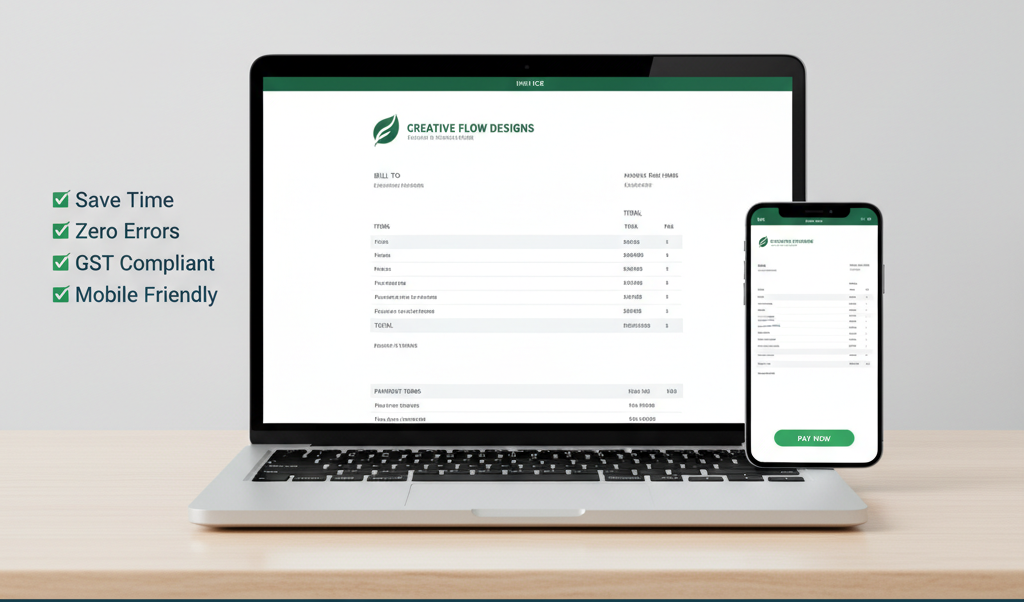
Creating invoices doesn’t have to be complicated. In fact, millions of freelancers, startups, and small business owners in India now create invoices online because it’s faster, cleaner, and more professional. Instead of spending hours on Word, Excel, or handwritten formats, you can switch to a free online tool and generate a GST-ready invoice in minutes.
In this guide, you’ll learn how to create an invoice online for free and why using a tool like Grow Invoice can make your billing process smoother than ever.
Why Should You Create Invoices Online?
There are many advantages to using an online invoice generator. Most importantly, it helps you save time and reduce mistakes. Moreover, online invoicing gives your business a more professional appearance.
Here are some reasons why digital invoicing is becoming popular:
- Faster invoice creation
- Automatic GST calculations
- Easy-to-read templates
- Instant PDF download
- Better record keeping
- Faster client payments
As a result, businesses can manage their accounts more efficiently.
The Best Free Online Invoice Generator in India
If you want to create invoices online without paying anything, Grow Invoice is one of the best options. The platform is simple, GST-ready, and designed specifically for Indian business owners. Unlike many other tools, it offers clean templates and free downloads without watermarks.
Additionally, Grow Invoice works perfectly for freelancers, consultants, agencies, shop owners, and service-based businesses.
How to Create an Invoice Online for Free: Step-by-Step Guide
Below is a simple and clear process to generate your invoice in less than two minutes.
1. Open Grow Invoice
Visit the Grow Invoice website. Because the tool runs online, you don’t need to install any software. This makes the process quick and accessible from mobile or desktop.
2. Enter Your Business Details
Next, add your:
- Business name
- Address
- Contact number
- Logo
- GSTIN (if applicable)
Adding these details ensures your invoice looks professional from the top.
3. Fill in Your Client Information
After that, enter your client’s:
- Name or business name
- Billing address
- GST details
This helps maintain accurate records and avoids confusion later.
4. Add Items or Services
Now it’s time to list what you’re billing for. Include:
- Item or service name
- Quantity
- Rate
- Tax percentage
- Discounts (optional)
- HSN code (if required)
Grow Invoice automatically calculates totals, which reduces the chances of human errors.
5. Add Additional Notes & Payment Terms
To make your invoice more clear, include:
- A short thank-you message
- Payment due date
- Bank details or UPI ID
- Any extra instructions
Clear terms lead to faster payments.
6. Download or Share Your Invoice
Finally, click on Download PDF or Share Invoice. Your invoice is ready instantly. Moreover, it looks clean, professional, and GST-compliant.
Benefits of Using Grow Invoice for Online Invoicing
Using Grow Invoice has several advantages:
- Clean, modern templates
- GST-ready structure
- Instant calculations
- No hidden fees
- Works for all business types
- Faster follow-ups
- Easy invoice tracking
Furthermore, all your invoices stay safely stored online, making your bookkeeping easier.
Who Should Use Free Online Invoicing Tools?
Grow Invoice is ideal for:
- Freelancers
- Coaches and consultants
- Digital marketers
- Designers
- Agencies
- Traders
- Service providers
- Local shops
- Startups
Almost anyone who needs quick and professional billing can use it.
Conclusion
Creating an invoice online for free is one of the smartest steps you can take in 2025. Not only does it save time, but it also improves the way your business appears to clients. With tools like Grow Invoice, you can generate GST-ready invoices within minutes—without spending a single rupee.
If you are looking for a simple, fast, and free invoicing solution, Grow Invoice is the perfect choice to get started today.