
Let me ask you something.
How long did it take you to send your last invoice?
If the answer is more than 5 minutes — you’re working too hard. And if you’re still building invoices manually in Word or Excel, you’re leaving yourself open to errors, delays, and unpaid bills.
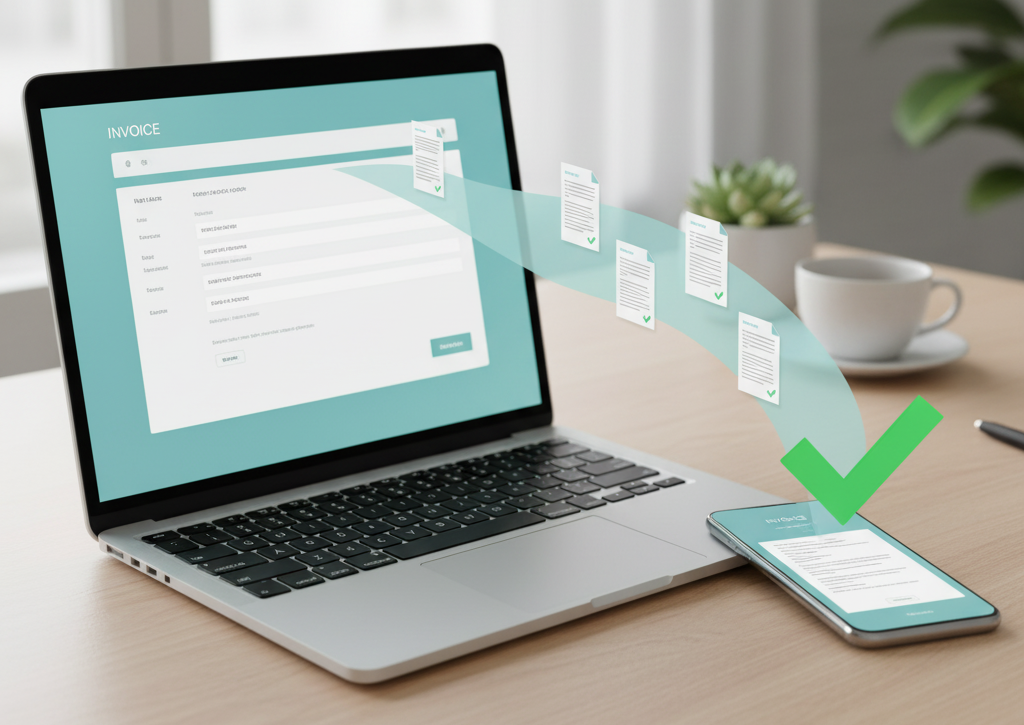
The good news? There’s a smarter, faster way. A free online invoice generator can transform what used to be a painful task into something that takes less time than making a cup of coffee.
In this guide, I’ll walk you through everything — from the real problems freelancers and small business owners face with invoicing, to a simple step-by-step solution that actually works.
Let’s dive in.
The Real Problem With Invoicing (And Why Most People Ignore It)
Here’s the thing about invoicing — most people don’t realize how much time and money it’s quietly costing them.
Think about it. You just finished a project. You’re proud of the work. But now comes the part nobody talks about in freelancing school: getting paid.
Here’s what the typical invoicing nightmare looks like:
- You spend 30+ minutes formatting an invoice in Word or Google Docs
- You forget to include your payment terms or bank details
- The client says they “never received it” (yes, really)
- You lose track of who’s paid and who hasn’t
- You follow up awkwardly and still wait weeks for payment
Sound familiar?
The problem isn’t that you’re bad at invoicing. The problem is that you’re using the wrong tools.
Manual invoicing is slow, inconsistent, and unprofessional. Worse, it often means delayed payments — which is a cash flow disaster for any small business or freelancer.
What Is a Free Online Invoice Generator — And Why Do You Need One?
A free online invoice generator is a web-based tool that lets you create, customize, and send professional invoices in minutes — without any design or accounting knowledge.
Instead of starting from scratch every time, you get a clean professional invoice template ready to go. You fill in your details, add your services, and hit send.
Here’s why it matters:
- No software to install — works right in your browser
- Professional-looking invoices every single time
- Built-in fields for tax, discounts, and payment terms
- Faster payment because clients trust polished invoices
- Less admin work, more time doing what you love
Whether you’re a freelance designer, a marketing agency, or a small business owner, the right invoice software can genuinely change how quickly you get paid.
How to Create a Professional Invoice in Minutes (Step-by-Step)
Ready to stop wasting time? Here’s how to use a free online invoice generator effectively.
Step 1: Choose the Right Tool
Not all invoice generators are created equal. Look for one that’s truly free, easy to use, and gives you clean, professional output. Grow Invoice is a great option — built specifically for freelancers, agencies, and small businesses who want a no-hassle invoicing experience.
Step 2: Enter Your Business Details
Start with the basics. Add your:
- Business name and logo
- Contact information (email, phone, address)
- Payment details or bank information
You only need to do this once. Most good tools save this for future invoices.
Step 3: Fill In Your Client’s Information
Add your client’s name, company, and billing address. This keeps things professional and ensures your invoice for small business meets any accounting requirements your client might have.
Step 4: Add Your Services or Products
List each item clearly:
- Description of work completed
- Quantity or hours worked
- Rate per unit or hour
- Subtotal per line item
Good invoice software will auto-calculate totals, taxes, and discounts for you. No more manual math mistakes.
Step 5: Set Payment Terms
This is the step most people skip — and it’s the reason invoices go unpaid for weeks.
Always include:
- Invoice due date (e.g., Net 15 or Net 30)
- Accepted payment methods
- Late payment fees if applicable
Setting clear terms upfront is one of the most powerful things you can do to get paid on time.
Step 6: Review, Download, and Send
Preview your invoice, make sure everything looks right, then download as a PDF or send it directly. Done.
What used to take 30–45 minutes now takes 3–5 minutes. Every time.
Why Grow Invoice Is the Best Free Online Invoice Generator for Freelancers and Small Businesses
If you’re looking for a tool that’s simple, polished, and actually free — Grow Invoice was built for you.
Completely Free to Use
No hidden charges. No subscription needed. Grow Invoice gives you the full experience — free. That’s a big deal when you’re running lean.
Clean, Professional Invoice Templates
First impressions matter. Grow Invoice gives you professional invoice templates that make your business look established and trustworthy — even if you’re a solo freelancer working from your kitchen table.
Create Invoice Online in Seconds
The interface is built for speed. No learning curve, no complicated menus. Just add your details and create invoice online in seconds. It’s genuinely that simple.
Built for All Business Types
Whether you’re a:
- Freelancer charging by the hour
- Agency billing clients on retainer
- Small business selling products or services
Grow Invoice adapts to your needs. It’s the invoice for small business that fits how real businesses operate.
5 Pro Tips to Get Paid Faster With Your Invoices
Creating great invoices is just the start. Here’s how to actually use them to speed up your cash flow:
- Send invoices immediately after completing work — don’t wait until end of month
- Use a unique invoice number every time — helps with tracking and looks professional
- Include a clear call to action — tell your client exactly how to pay and by when
- Follow up politely but consistently — a gentle reminder on the due date works wonders
- Offer multiple payment methods — the easier it is to pay, the faster you’ll get paid
Small changes like these, combined with the right invoice generator, can cut your average payment time dramatically.
Conclusion: Your Time Is Worth More Than Bad Invoicing
Invoicing doesn’t have to be stressful or time-consuming.
With the right free online invoice generator, you can send polished, professional invoices in minutes and spend more time on work that actually grows your business.
Grow Invoice is designed to make invoicing painless for freelancers, agencies, and small businesses. It’s free, fast, and built for real people — not accountants.
Ready to stop struggling with invoices and start getting paid faster?
Try Grow Invoice today and send your first professional invoice in under 5 minutes.
Are You Ready for Smarter Financial Tracking? A 2026 Action Plan for Small Businesses
Frequently Asked Questions (FAQs)
1. Is Grow Invoice really free to use? Yes, completely. Grow Invoice is a 100% free online invoice generator — no hidden fees, no credit card required, no locked features. You can create and download professional invoices without spending a cent.
2. Can I use an online invoice generator without any accounting knowledge? Absolutely. Tools like Grow Invoice are designed for non-accountants. You don’t need to know anything about bookkeeping. Just fill in your details, add your services, and the tool handles all calculations for you.
3. What should a professional invoice always include? A good invoice should have your business name and contact details, client information, a unique invoice number, description of services, total amount due, payment terms, and any applicable taxes or discounts.
4. Is an online invoice generator safe for my business data? Reputable invoice software like Grow Invoice takes data security seriously. Always choose tools that use secure HTTPS connections and have clear privacy policies.
5. Can I use a free invoice generator for an agency or larger small business? Yes. Grow Invoice works just as well for agencies and small businesses that need to create invoice online regularly, manage multiple clients, and maintain a consistent, professional look across all billing.